NueZip
Professional Archive Manager for macOS
Compress, extract, and manage all major archive formats. Native, fast, and secure — built for macOS.


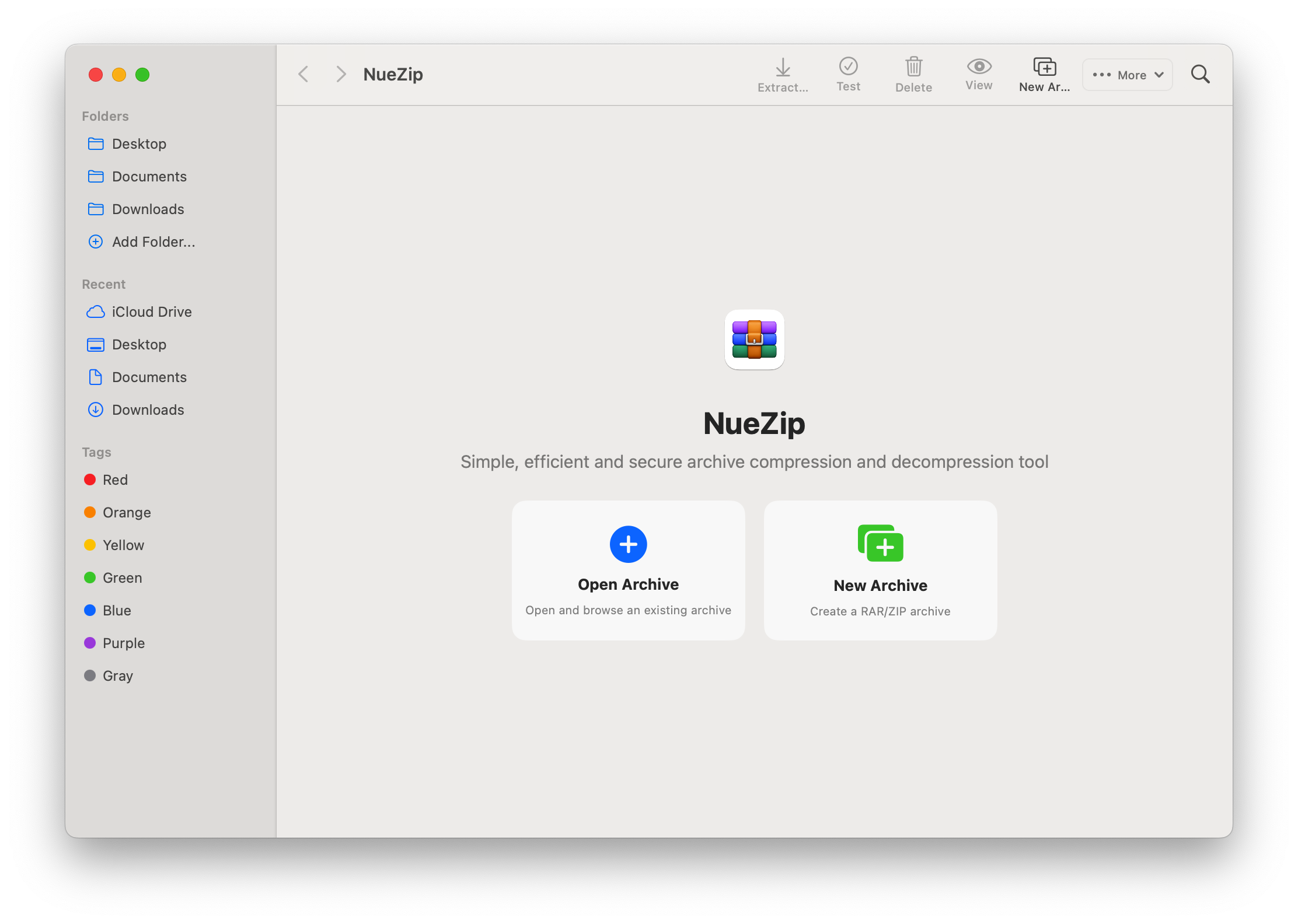
Key Features
Everything you need to manage archives efficiently on macOS

Multi-Format Support
Supports RAR, ZIP, 7-Zip, TAR, GZIP, BZIP2 and more. Open and create archives in any popular format.
View formats
Dual-Engine Fast Extraction
Intelligent engine selection for optimal speed. Extract archives faster with format-optimized backends.
Learn more
Native macOS Experience
Built with Swift 6 + SwiftUI. Full Apple Silicon support, minimal resource usage, seamless system integration.
About NueZip
Batch Operations
Batch compress, extract, convert, and encrypt multiple files at once. Save time on repetitive tasks.
Learn more
Password & Encryption
Create password-protected archives with AES encryption. Built-in password manager for convenient access.
Learn more
Advanced Tools
Archive repair, format conversion, performance benchmark, archive search, and file info viewer.
Explore toolsSupported Archive Formats
Compress and extract all major archive formats
ZIP
Universal ZIP format with AES-256 encryption
RAR
Read-only with multi-volume support
7-Zip
High-compression 7Z format with LZMA2
TAR
TAR bundling with optional GZIP/BZIP2 compression
GZIP
Standalone GZIP compression support
BZIP2
Standalone BZIP2 compression support
How It Works
Simple and intuitive, just like macOS should be
Install NueZip
Download from the Mac App Store or GitHub. Launch and grant necessary permissions.
Open Any Archive
Double-click any archive file, or use the Finder context menu to extract directly.
Compress & Manage
Create new archives, batch process files, encrypt with passwords, and more.
Frequently Asked Questions
Quick answers for macOS users
Is NueZip free?
What formats does NueZip support?
Which macOS versions are supported?
Does NueZip work offline?
Is my data secure?
Ready to Simplify Archive Management?
Download NueZip and experience fast, native archive management on macOS.